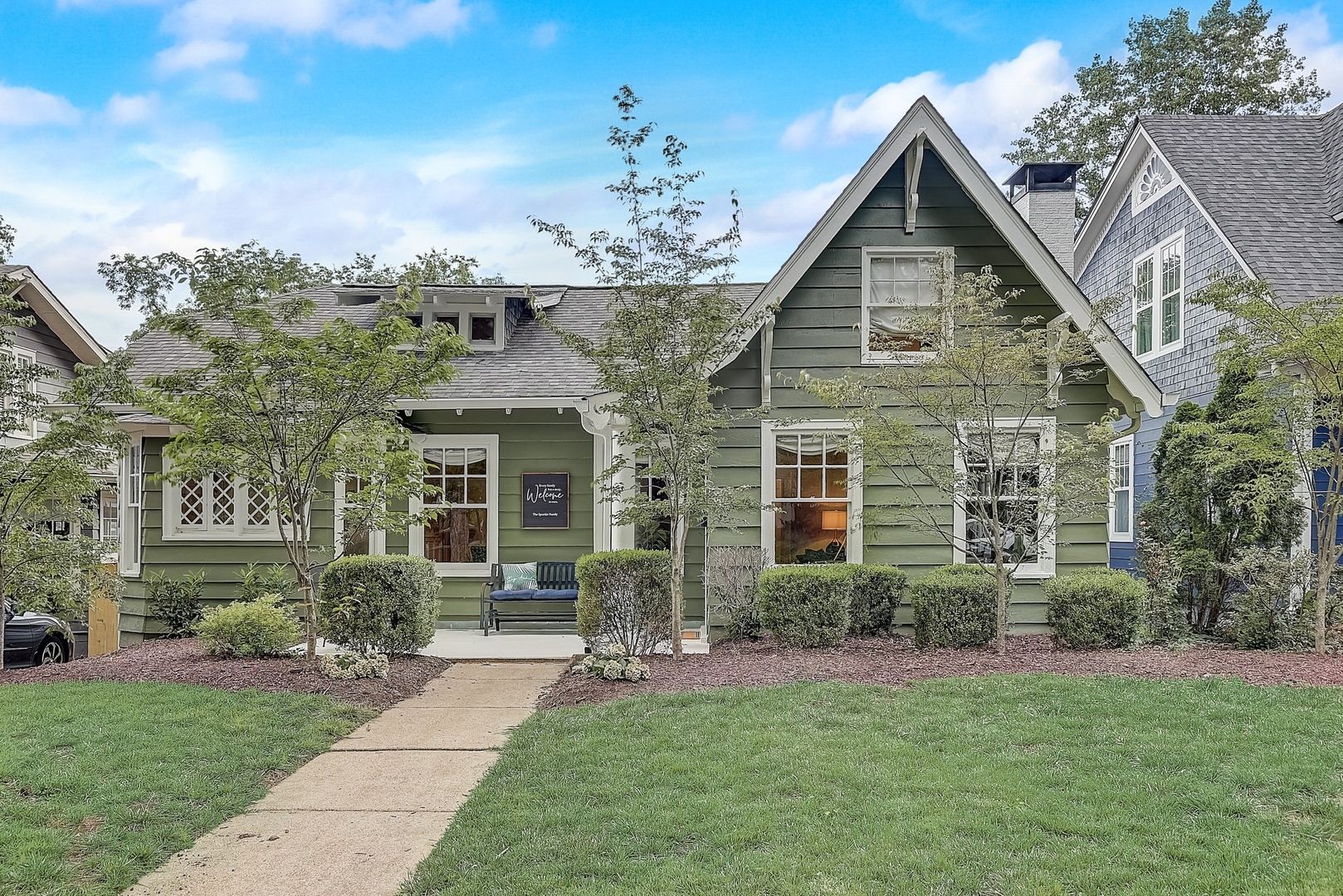
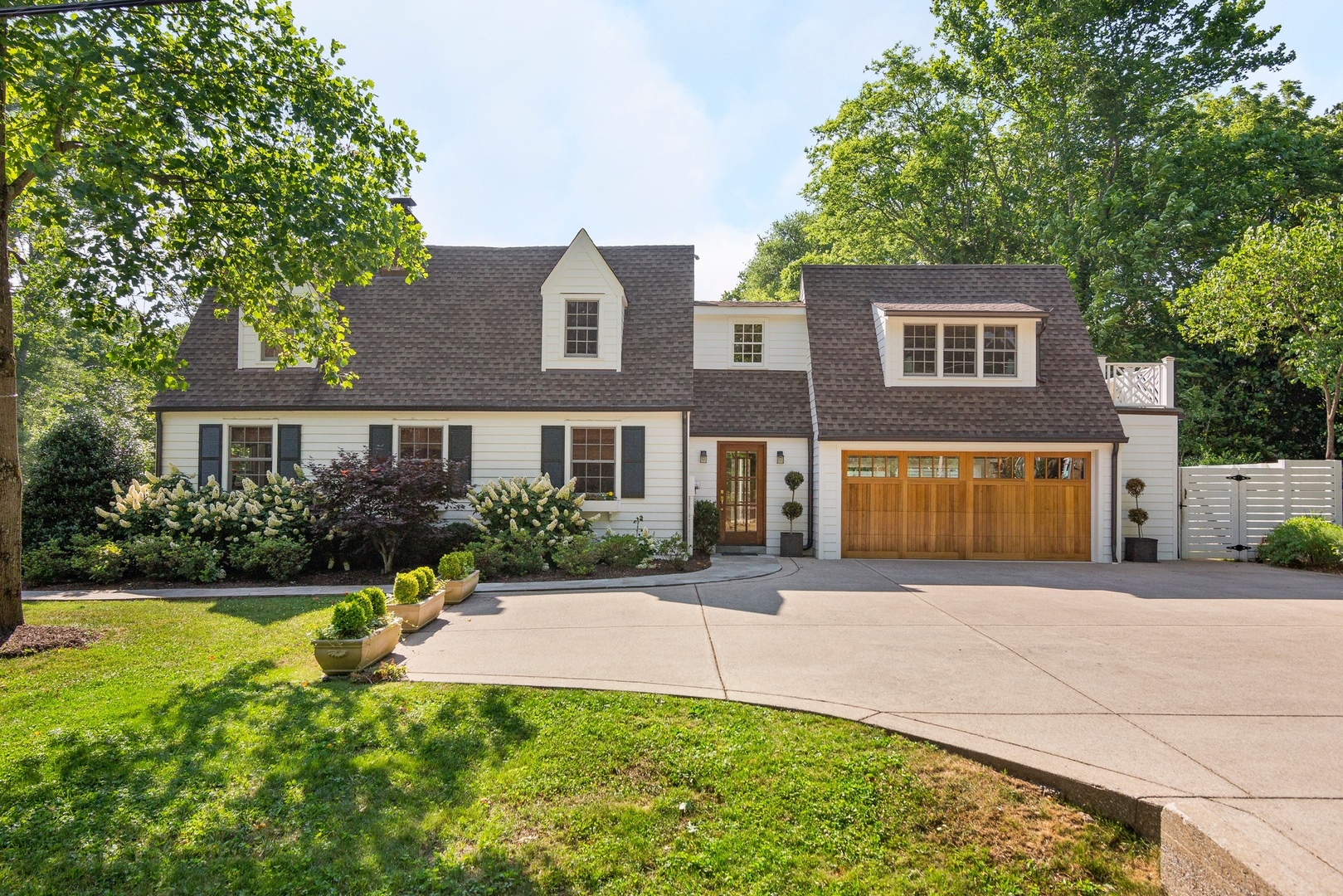
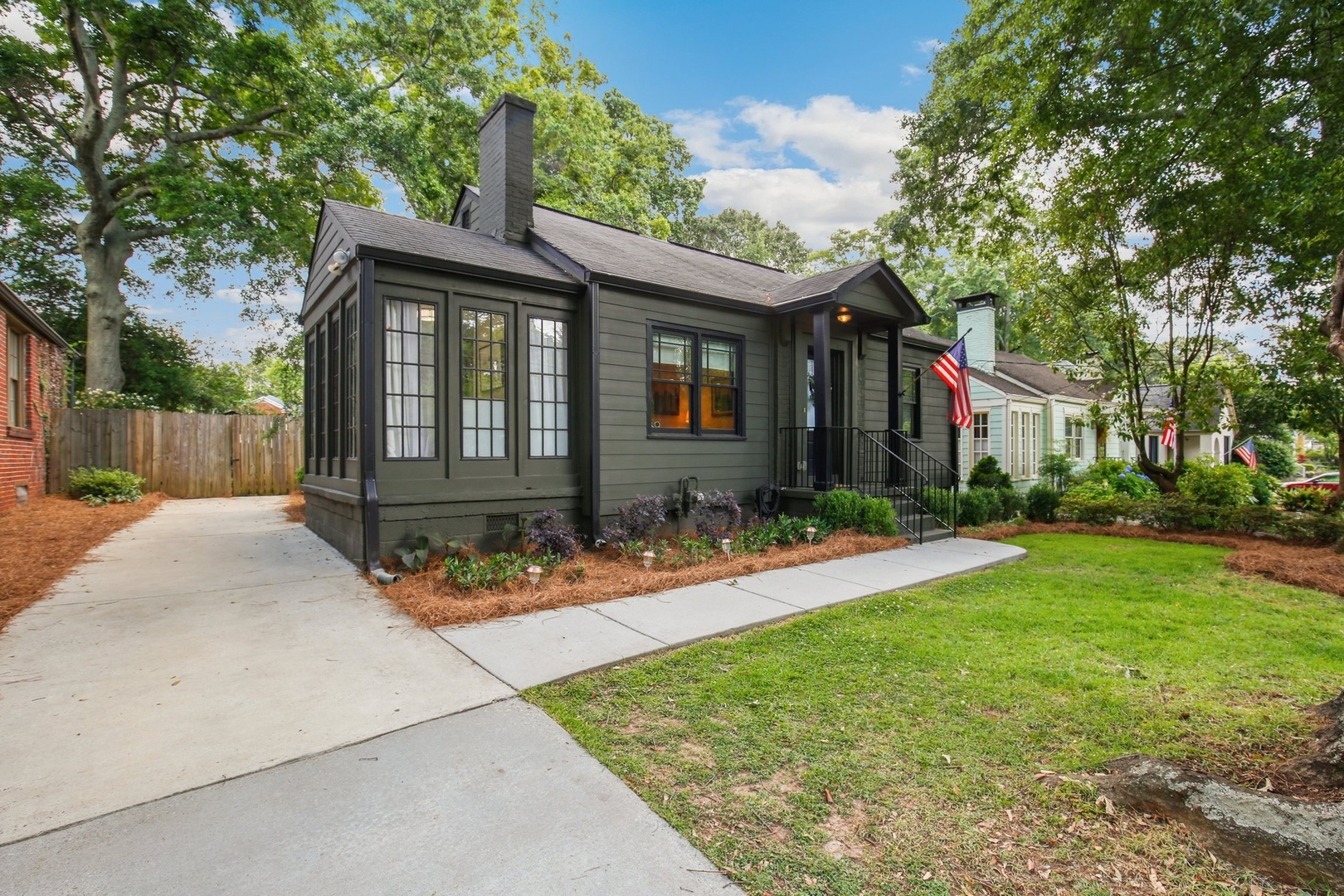
A Comparative Market Analysis (CMA) is an evaluation of comparable recently sold homes in the neighborhood where you're searching. Comparables are recently sold homes that are similar in size and style to the home you want buy. Buyers, sellers and real estate agents use a CMA to establish a fair price range for a home.
We show you all the data we can on homes that sold both from public records and the MLS. When a listing agent marks a property as sold in her local MLS, it's updated on our site just minutes or a few hours later. You'll know what's selling in your local market at nearly the same time as real estate agents.
On every home detail page, we show you similar listings for sale and that sold in the area where you're searching. Looking at the prices of comparable homes that recently sold can give you a good sense of the fair market value of the homes in your price range.
In a CMA, the home you want to buy is your target home, and the sold homes to which you are comparing it are comparables. Preparing a CMA consists of four steps:
- Set criteria: define the criteria for choosing comparable homes.
- Build your list of comparables: search Redfin for comparable homes that recently sold.
- Drive by your comparables: get out and see the homes that just sold on your list.
- Create summary statistics for your list of comparables.
- Estimate the value of your target home with these statistics.
This is the most important step: the wrong comparables yields the wrong price range.
You need to evaluate at least three comparables. But if they're good, you don't need more than five comparables to do a CMA. Criteria to consider:
- Type: do not compare condos to houses.
- Neighborhood & school district: only evaluate comparables in the same neighborhood and school district as your target home.
- Date of sale: In a fast-changing market, more recent comparables are best. Don't go back much farther than three months.
- View, waterfront access: don't compare waterfront homes to homes not on the water, or homes with great views to homes with partial or nonexistent views.
- Size: comparables should be within 15% of your target home's square footage.
- Number of beds and baths: exclude properties with significantly more or less beds and baths. Comparing homes with 3, 4 and 5 beds is ok; comparing those homes to ones with 1 and 2 beds is not.
- Age and style of home: if you have enough homes to be picky, exclude homes built at different times and in different styles.
- Condition of home: this is relevant only if it differs greatly from your target home. For example, don't compare a fixer-upper to a recently remodeled home.
- Lot size and usability of land: lot size is a significant factor only when the difference is big; for example, a home with an acre of horse pasturage can't be compared to one with a modest yard.
Here's how to search for comparable recently sold homes on the Redfin map:
- Set the neighborhood: in the field to the top left of the map, type the neighborhood where you're searching.
- Turn on past sales and set your search criteria:
- Click Price, Beds... to the right of the search box to see search options.
- Under Property Type, include only houses or condos, depending on which property type you're searching for.
- Under Include, check Sale records, and in the drop-down below, choose Last 1 month. Increase to Last 3 months if the search doesn't return at least ten to fifteen past sales.
- Set criteria: beds, baths, square footage, lot size, year built. Don't filter on price. Make sure the criteria matches with the home you're looking to buy. Searching with the wrong criteria will give you bad comparables.
- Click Search Listings. Blue icons showing past sales will appear on the map alongside green icons showing current listings. If your search returns more than 500 results, zoom in to narrow the range of results returned.
Set Your Search Criteria

- Adjust the map's zoom-level until it includes ten to fifteen past sales. If there aren't enough comparables, adjust your search criteria to include more beds and baths, or broaden the range of past sales included.
- Look at the list below the map for summary statistics, including median price, square footage and price-per-square-foot.
- Download the data by clicking the Download Results link to the left of the list.
Zoom In and Download to Excel

You'll have the same homes that were on the map in a spreadsheet.
Drive by each of the comparables you included in your spreadsheet. You can't go into homes that were recently sold, but you can get a good sense of the neighborhood and evaluate the home from the outside. Take notes on:
- The yard: landscaping, slope, and size
- The condition of the exterior: painting and general repair
- The view, at least as much as you can tell from the street
- The traffic and noise level
- Whether it has a garage
Add comments from your notes to your spreadsheet. Delete homes that seem to be poor comparables now that you've seen them. You only need three to five good comparables for your CMA. And make sure you're looking at past sales only, because those prices are proven by the market.
Comparable Properties

Now you're ready to look at the summary statistics for your selected comparables. Add a column to your spreadsheet for price-per-square-foot, which you can calculate by dividing the price by the square footage for each comparable, as illustrated in the yellow column below. At the bottom, calculate the average statistics across all your comparables.
Comparables, including Price Per Square Foot

Price-per-square-foot is an important benchmark for the market value, but there's a lot of variation around the
average
due to a home's maintenance level and special features.
Check your comments. If the list-price-per-square-foot of your target home is well above the average price-per-square-foot of your comparables, make sure you know why. Does it have a view? A new kitchen? Is it better constructed, or in great shape? These characteristics are all relative.
To calculate a fair value range for your target home, multiply the average price-per-square-foot of your comparables by the square footage of your target home. This will provide a baseline for the market price.
Then, if the target home has characteristics that make it more or less desirable, adjust the value up or down to account for them. For example, does it have a better view, a big garage? These differences can affect the value of your target home.
Finally, realize that the value yielded by your CMA need not be your opening offer price, which can depend on many factors. After you start an offer, a Redfin agent or one of our partner agents will call you to review your CMA and discuss your offer price. On average, Redfin agents work on six to eight deals per month, so they've got a great sense of pricing guidance because they know what's selling. Once you make an offer, your agent will guide you in your offer price and negotiations.
Happy hunting and good luck!
Ready to get started on a CMA? Enter your neighborhood below.